23
Mar
2020
WORKING FROM HOME
Published by One Step Design
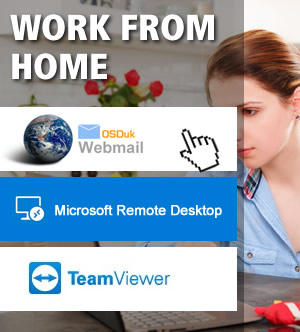
There are many ways of working from home when you need access to your computers and email. One Step Design customers who have their POP email accounts with us are able to login to webmail from our website here, then simply enter your email address and the password for the email account, this will allow you to check and send email. If you are using a mail exchange such as Google mail (mail.google.com) or Microsoft Office 365 you will be able to login via Google’s Gmail system or Microsofts Portal (office.com). If you are using an independent IT company’s email exchange then they should be able to provide you with their version of webmail.
If you need access to your work computer then there are various options you can look at, Teamviewer (teamviewer.com) offers a free and premium service where you install the software on to your works computer then run the software at home to allow you to connect to your works machine. Microsoft Remote Desktop Software is another way to connect to your works computer and actually take over it as if you were there, once installed on your office computer you can make a connection using Microsoft’s remote desktop software, available from the Microsoft store or via the App Store if you are using an Apple Mac.
If you need help or advice on working from home, please get in touch.
tags:
work from home
self isolate
coronavirus
covid-19

 Home
 Portfolio
 Modernise
 Articles
 Reviews
 Webmail
 Tools
 Social
 Contact


